ODOS Command Centre
Every brand, store, menu and order. One screen.
The operating system for multi-brand food businesses: menus, assets, live orders, riders, customers and reporting in one place.
Built for: Restaurant groups, QSR brands and delivery marketplaces
The problem we solve
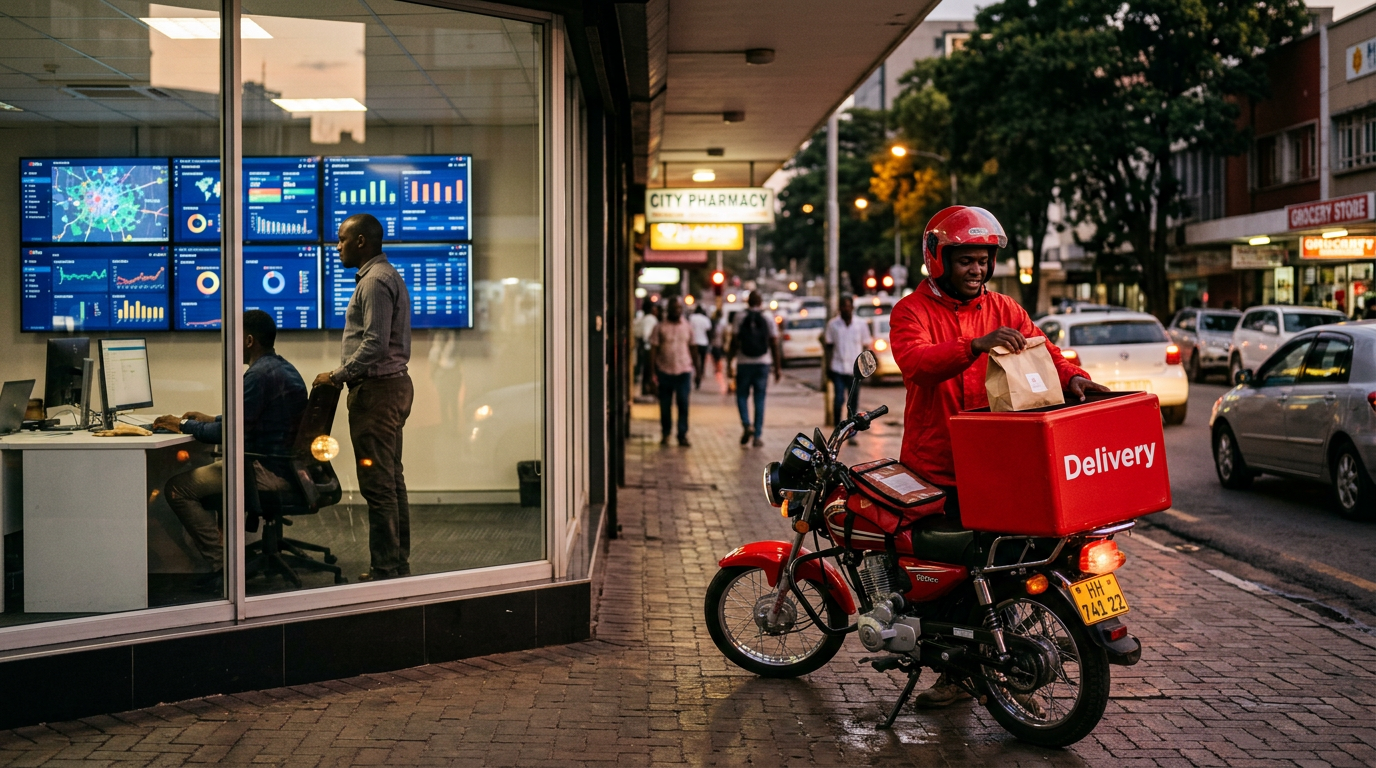
Running a restaurant group means running dozens of systems at once: a menu in one spreadsheet, prices in another, images on a shared drive, orders arriving from apps, call centres and aggregators, and riders being coordinated over the phone.
ODOS Command Centre replaces that sprawl with a single, live view of the business. Build a product once, price it per currency and per store, publish it everywhere it sells, then follow every order from the moment it is placed to the moment it reaches the customer.
What's inside
Everything Command Centre does for you
Products and menus
One catalogue for every brand. Multi-currency price lists, store-level overrides, modifiers, promotions and availability windows, all checked automatically before anything is published.
Digital asset library
Every product photo, banner and logo in one searchable library, with albums, smart folders and automatic tagging. Assets can be shared across brands in the same group.
Live order workflows
Orders from apps, web, call centre and aggregators land in one feed. Validated against the menu, routed to the right till and split across brands so every kitchen finishes together.
Dispatch and riders
Courier integrations, a live rider map, shift scheduling, leave and bikes, plus staffing forecasts and route planning that tell you how many riders you need, hour by hour.
Customer 360
Every customer, every order, every rating. Build audiences, run SMS, WhatsApp and push campaigns, issue vouchers and manage prepaid-only lists from a single profile.
Reports and forecasts
Dashboards built on your own data warehouse, end-of-day reports per store, and order forecasts that update through the day as real sales come in.
Workflows
Your operation, your steps. Every order on a clock.
Design the exact journey an order takes through your business: the states, who owns each one, how long it is allowed to take and what the customer sees. ODOS runs every order through it live, flags anything running late, and raises a ticket when something needs a human.
- 1SLA 2 minReceivedOwner: StoreCustomer sees: “Order confirmed”
- 2SLA 12 minPreparingOwner: KitchenCustomer sees: “Being prepared”
- 3SLA 5 minReadyOwner: DispatchCustomer sees: “Waiting for rider”
- 4SLA 25 minOn the wayOwner: RiderCustomer sees: “Out for delivery”
- CompleteDeliveredOwner: RiderCustomer sees: “Enjoy your meal”
Automations that raise the work for you
- When a POS code is missingHold the order and raise a Code Adjustment ticket
- When a drop-off failsMark it returning, then cancel or redispatch
- When a customer leaves an urgent complaintOpen a Customer Care ticket and email the team
- When an order is scheduled for laterRelease it to the kitchen at the right time
- Per-state SLAs
- Timers on every state, with late orders surfaced on the wallboard before the customer calls.
- Customer-facing labels
- Choose which states the customer sees and in what words, across app, web and aggregators.
- Reasons on record
- Cancellations, suspensions and returns all require a reason, so reports explain what went wrong.
- Tickets with workflows too
- Promo requests, complaints and store issues follow their own states, departments and SLAs.
From the kitchen pass to the boardroom
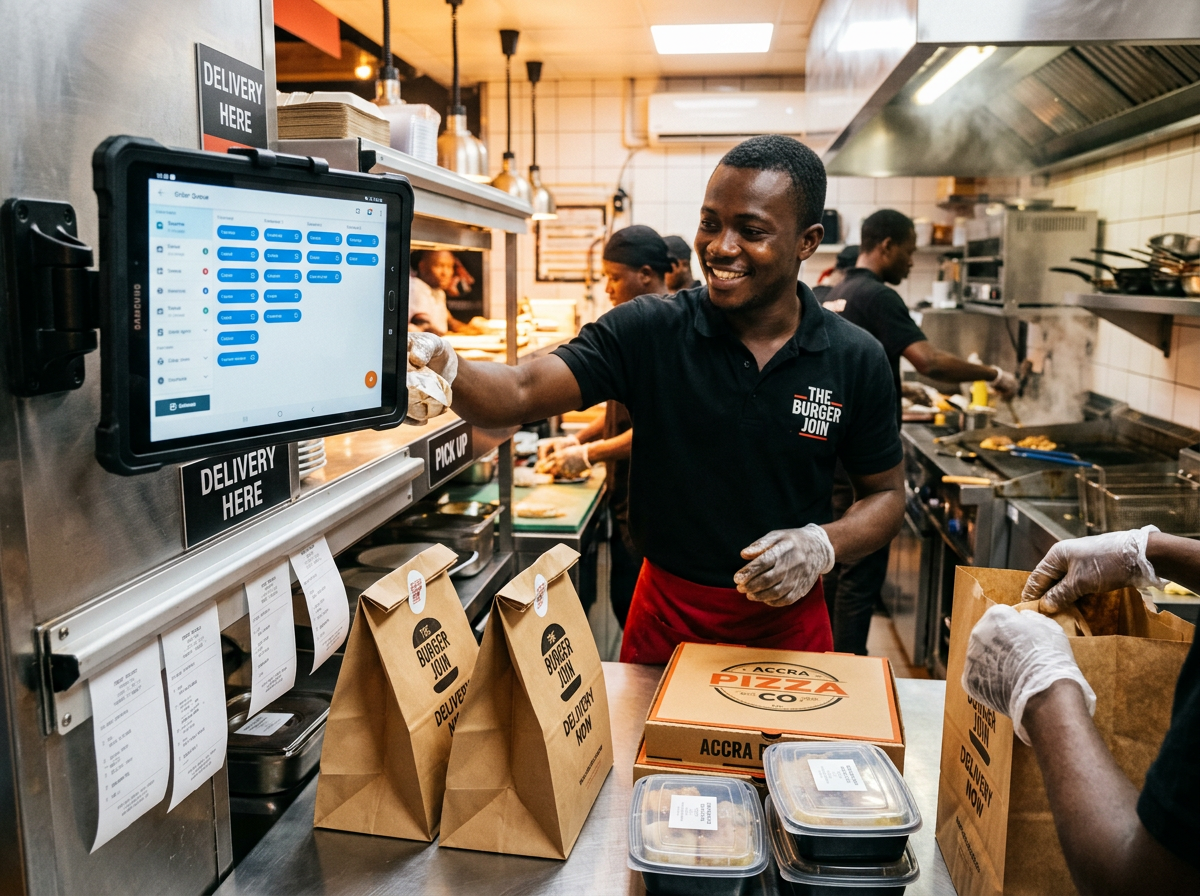
The same truth for the cook, the rider and the CEO.
Store teams see exactly what to prepare and when. Operations sees every order that is late, held or returning. Management sees yesterday, today and tomorrow in one dashboard, tailored to their role.
- Agent ordering desk for call centres, customer-first
- Orders held automatically when a POS code is missing, then re-pushed in one click
- Ticketing for promo requests, complaints and store issues, with email intake
- Marketplace mode for delivery companies serving many brands
Works with
- GAAP POS
- Meat Matrix
- iVend Retail
- Courier & rider apps
- Delivery aggregators
- Google BigQuery
- Firebase & mobile apps
- SMS, WhatsApp & push
What changes
- Publish a menu change to every store and channel at once
- Catch pricing and mapping errors before customers do
- Know how many riders to roster before the rush starts

Put ODOS Command Centre to work.
Tell us how your business runs today. We'll show you how ODOS fits, and get you live with a team that answers the phone in your time zone.