ODOS Rigs
From the site sheet to the paid invoice, for every line of business you run.
One workspace for drilling, plant hire, load & haul, scaffolding, gold mining, gold processing and construction. Field apps that work where the signal does not, and invoices built from approved work.
Built for: Drilling, plant hire, load & haul, scaffolding, mining, gold processing and construction companies

The problem we solve
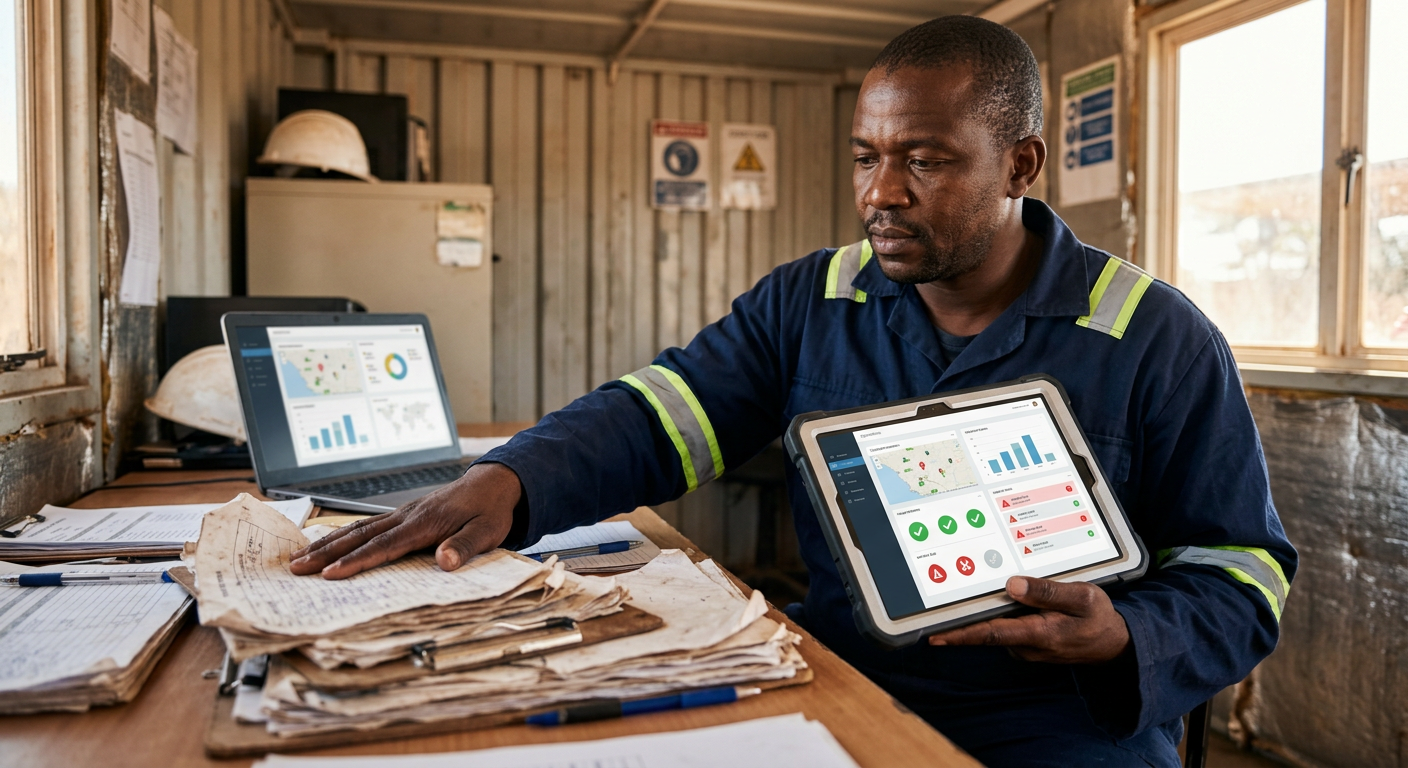
On site, the money is made in the field and lost in the paperwork. Plod sheets get rained on, hour meters go unrecorded, scaffold tubes walk off, trucks get counted twice, and invoices go out weeks late with standby nobody can prove.
ODOS Rigs puts the record in the hands of the people doing the work, even with no signal. Each workspace switches on the business lines it actually runs, and every team gets a menu built for its line. Shifts, pre-starts, haul sheets, inspections and claims are captured in the field, approved in the office, signed off by the client, and turned into an invoice with the evidence attached.
What's inside
Everything Rigs does for you
Drilling plods
Every shift as a timeline of activity codes: drilling, standby, breakdown. Productive metres and hours are calculated for you, and every collar sits on satellite imagery with planned versus drilled depth.
Plant hire and load & haul
Quote, put on hire and return equipment with a full timeline. For haulage, trackers and geofences count the loads, and a daily sheet per truck confirms them for billing per load, tonne or hour.
Scaffolding hire and site safety
Delivery and return notes, hire by piece, tonne or tower, and a structure register with inspections, handover certificates signed on site, defect jobs and QR status tags.
Gold mining and processing
Mine shift logs, an explosives register and ore dispatches. At the plant, toll batches with assays, shift logs with reagent use, a witnessed gold room and automatic settlements.
Construction developments
Units on a stage board with inspection gates, snags and warranty tracking by builder, subcontractor compliance, costs, and progress claims with retention.
Pre-starts and service sheets
Pick the machine, then run its checklist. Defects open a repair job, service sheets follow 250, 500 and 1,000-hour levels, and hours are tracked per engine. Import your own paper checklists from a photo.
Fuel and hour-meter checks
Fuel fills are spread across the shifts and projects that burnt them. Hour meters from shift reports, checklists, fuel and trackers are cross-checked, and slips are flagged with a likely cause.
Offline field app
Built for gloves and no signal: big buttons, an on-screen keypad and GPS on every record. Everything saves on the device and syncs without duplicates when signal returns.
Fleet, stock and trackers
A register of every machine with service alerts and QR tags. Live positions and engine hours come from Cartrack, IOPGPS and Ezytrack, and stock is drawn down by approved work.
Workflows
Every breakdown, move, defect and delivery on a job card.
Run the work around the work with the same discipline. Each job type has its own board, states, owners and time limits, and the job card carries the parts, labour and sign-off from start to finish. Many jobs raise themselves.
- 1SLA 1 hrReportedOwner: SupervisorClient sees: “Logged”
- 2SLA 4 hrAssessedOwner: MechanicClient sees: “Under review”
- 3SLA 24 hrAwaiting partsOwner: StoresClient sees: “Parts ordered”
- 4SLA 8 hrIn repairOwner: MechanicClient sees: “Being repaired”
- CompleteSigned offOwner: SupervisorClient sees: “Back in service”
Automations that raise the work for you
- When a plod records breakdown timeOpen a repair job on that rig
- When a pre-start rates an item as a defectRaise a repair job with the notes and photos
- When an hour meter nears a service intervalRaise a service job and email the workshop
- When a scaffold inspection failsOpen a defect job and mark it do not use
- When plant hire is booked or comes off hireCreate the delivery or collection job
- Templates for every line
- Each business line starts with its own job types, from rig moves and hire deliveries to shaft repairs and safety incidents. All of them can be edited.
- Parts and labour on the card
- Draw parts from stock and log labour hours against the job, so every repair is fully costed.
- Machine status follows the job
- A rig in repair shows as down on the fleet board, and comes back up when the job is signed off.
- Clients see progress
- Give states a client-friendly label and the client portal shows exactly where each job stands.
Workspaces
Switch on the lines you run. Everyone sees only their own.
Each company gets its own workspace with its own team, clients and settings. Turn on drilling, plant hire, load & haul, scaffolding, mining, processing or construction, and each person works in the section for their line, or sees everything in one view. The client portal gives every client a secure link to sign off work, raise queries and view invoices.
- One invoice across lines: metres, hire, loads, scaffolding, batches and claims
- Owner, admin, supervisor and field roles
- Client portal sign-off, site requests and handover countersigning
- Pastel Partner export, plus invoices and reports by email
Works with
- Cartrack
- IOPGPS
- Ezytrack
- Pastel Partner
- Satellite imagery maps
- QR asset tags
- PDF & CSV export
- Offline-capable devices
What changes
- Invoice at month end, not month end plus six weeks
- Prove every standby hour and every load with a signed record
- Service plant on time, before it breaks down on site
- Run several businesses from one login, each with its own menu
Put ODOS Rigs to work.
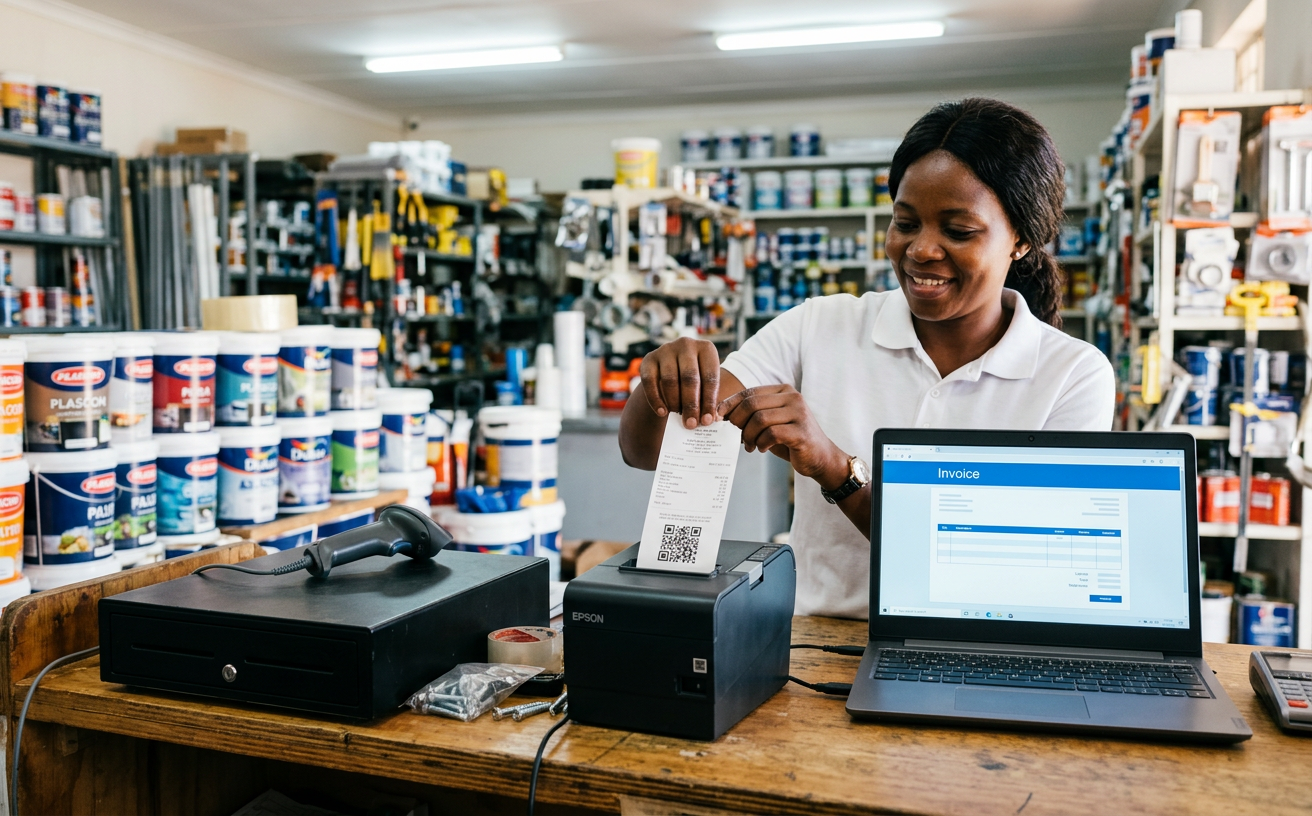
Tell us how your business runs today. We'll show you how ODOS fits, and get you live with a team that answers the phone in your time zone.