ODOS FDMS
ZIMRA fiscalisation that runs inside the software you already use.
Connect your accounting system or till to ZIMRA’s Fiscal Device Management System. Every invoice fiscalised, every fiscal day closed, every QR code valid.
Built for: Zimbabwean businesses registered for VAT
The problem we solve
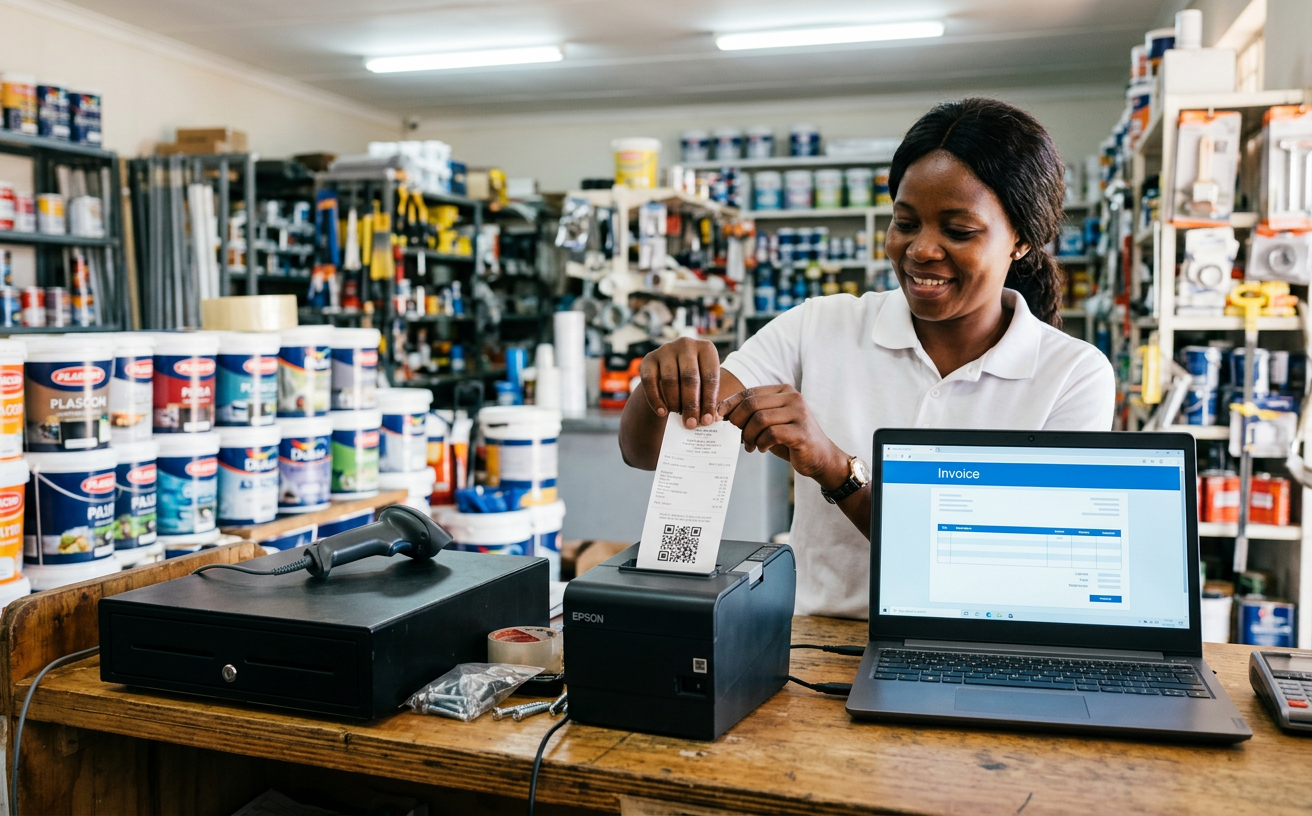
Fiscalisation is not optional, and it should not mean changing how you invoice. Yet most businesses end up re-typing invoices into a separate device, chasing failed submissions and discovering at month end that a fiscal day never closed.
ODOS FDMS sits quietly between your accounting software and ZIMRA. Invoices and credit notes are picked up, checked, signed and submitted in strict order, and the fiscal details, QR code and verification code are written straight back onto your invoice.
What's inside
Everything FDMS does for you
Connect your accounting
QuickBooks Online, Xero, QuickBooks Desktop and Manager.io, plus a simple API for anything else. No re-keying, no second system.
Strict, safe queue
Receipts are signed and submitted one by one in exact order, so counters and hashes always line up with ZIMRA. Failures are retried, never skipped.
Checks before submission
Missing buyer details, invalid TINs, HS codes and tax rates are caught before they are sent, with clear instructions on what to fix.
Fiscal days handled
Reminders before the daily deadline, optional automatic close, and a guided manual-close request to ZIMRA when a day cannot be closed online.
Fiscal printer agent
For tills and thermal printers: a small agent signs receipts locally, keeps working offline and stamps the QR code on every slip and PDF.
Proper tax invoices
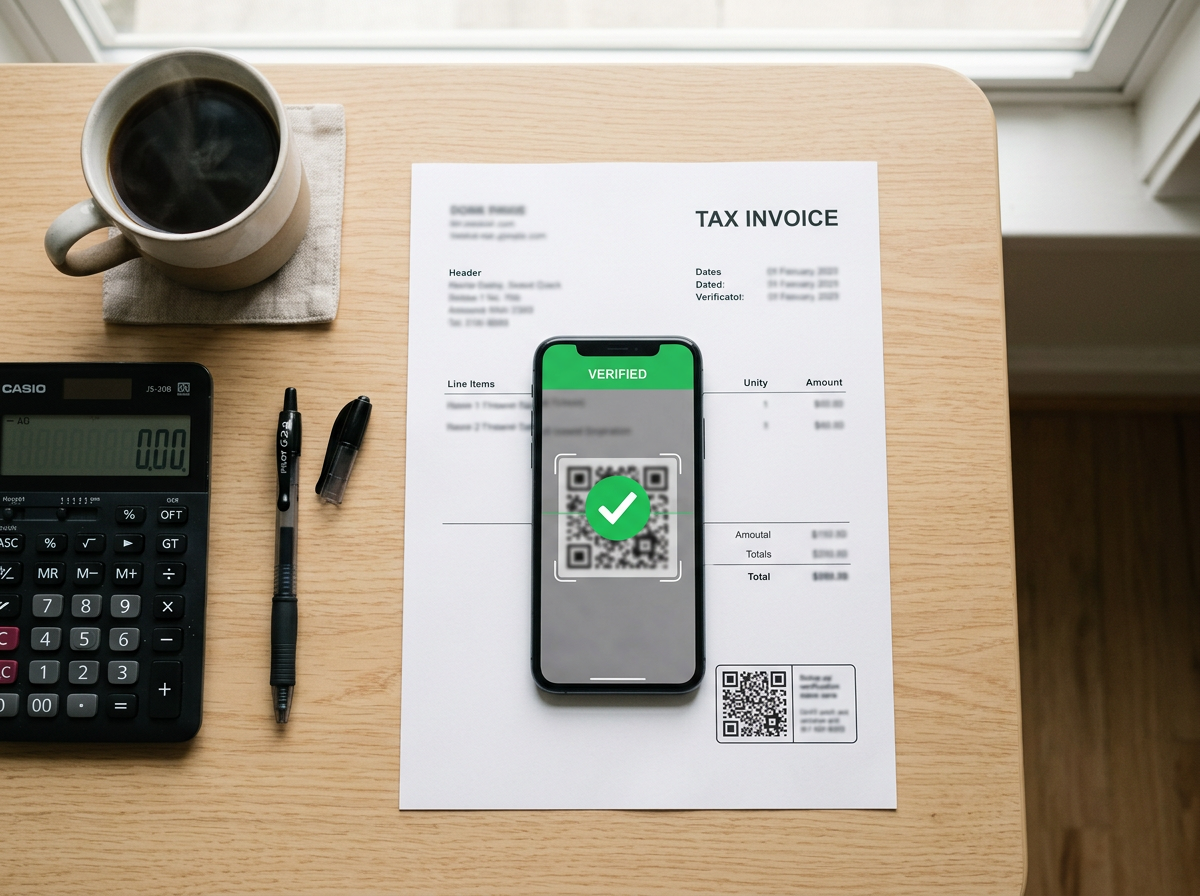
Branded A4 tax invoices with your logo, bank details and the ZIMRA verification block, ready to print or share by link.
Getting registered
Apply for your fiscal device from the same screen.
Fill in one guided form and ODOS FDMS prepares the ZIMRA device application for you, attaches your sample invoices and credit notes, and tracks it through to approval.
- Customer details remembered from previous invoices
- Cash sales, credit notes and debit notes supported
- Multiple devices and users per business
- Email alerts when days open, close or fail
Works with
- QuickBooks Online
- Xero
- QuickBooks Desktop
- Manager.io
- Thermal receipt printers
- REST API
What changes
- Stay compliant without changing how you invoice
- No more missed or unclosed fiscal days
- Every invoice carries a valid, scannable QR code

Put ODOS FDMS to work.
Tell us how your business runs today. We'll show you how ODOS fits, and get you live with a team that answers the phone in your time zone.